Log in and create an account
The platform handles login and registration with your email and a password. There is no separate identity provider to set up. You can browse and export without an account; an account just gives you a place to keep your work.
Log in
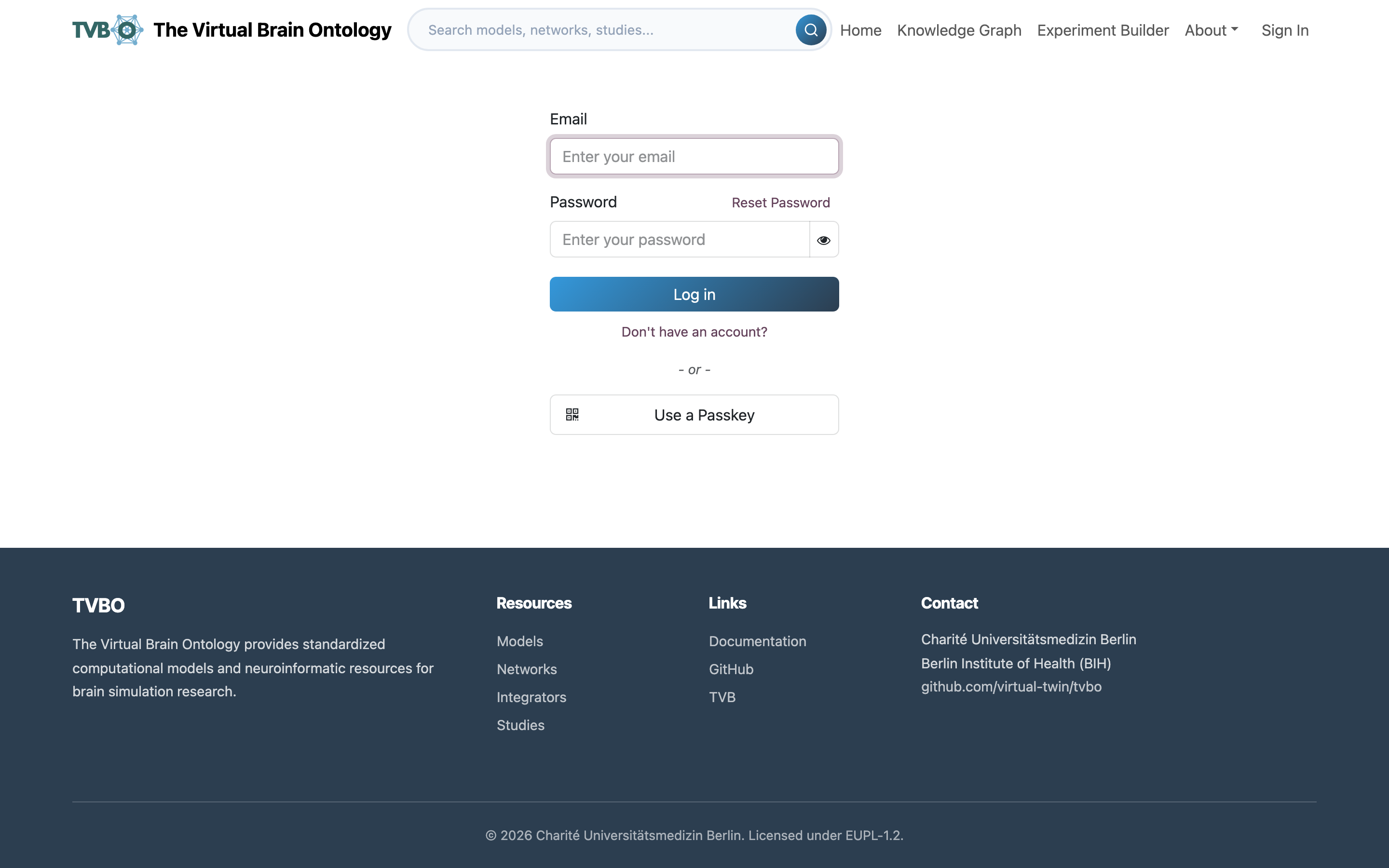
Go to /web/login and enter your email and password. Forgot your password? Use Reset password on the same screen.
Register
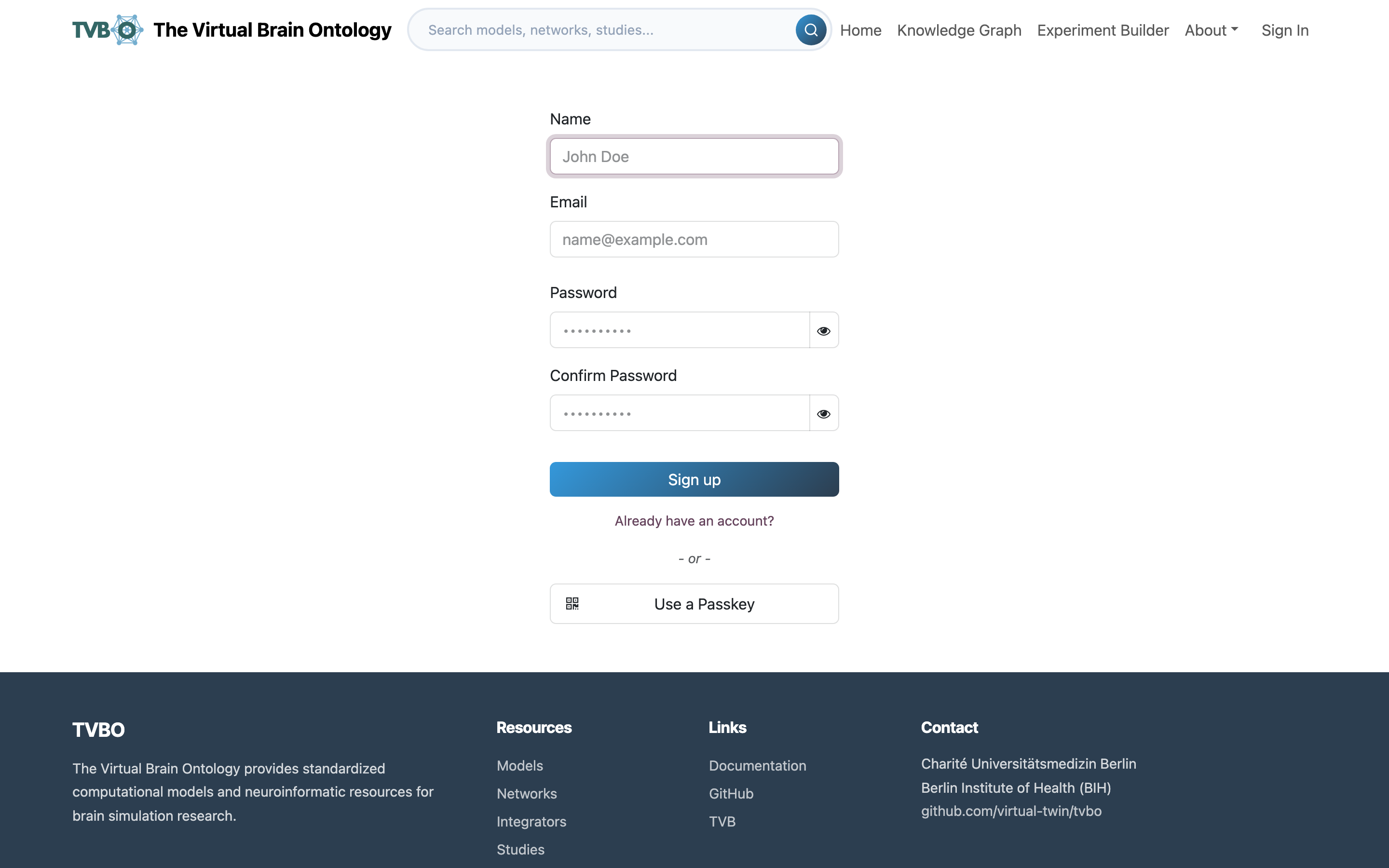
New here? Choose Create an account on the home page, or Don't have an account? on the login screen (or go to /web/signup), and fill in your name, email, and a password.
After signing up you land on your dashboard at /my. Its left menu leads to My models, Shared with me, API keys, Your details and Password and security; the account menu under your name, top right, leads to the website, your dashboard, your preferences, the documentation and Log out.