Knowledge Graph: graph view
The graph view shows the same results as the list, drawn as a node-link diagram. Nodes are entities; edges are the relationships between them, such as a model belonging to a family or a study using a network. Use it to see context and find related entities you did not search for.
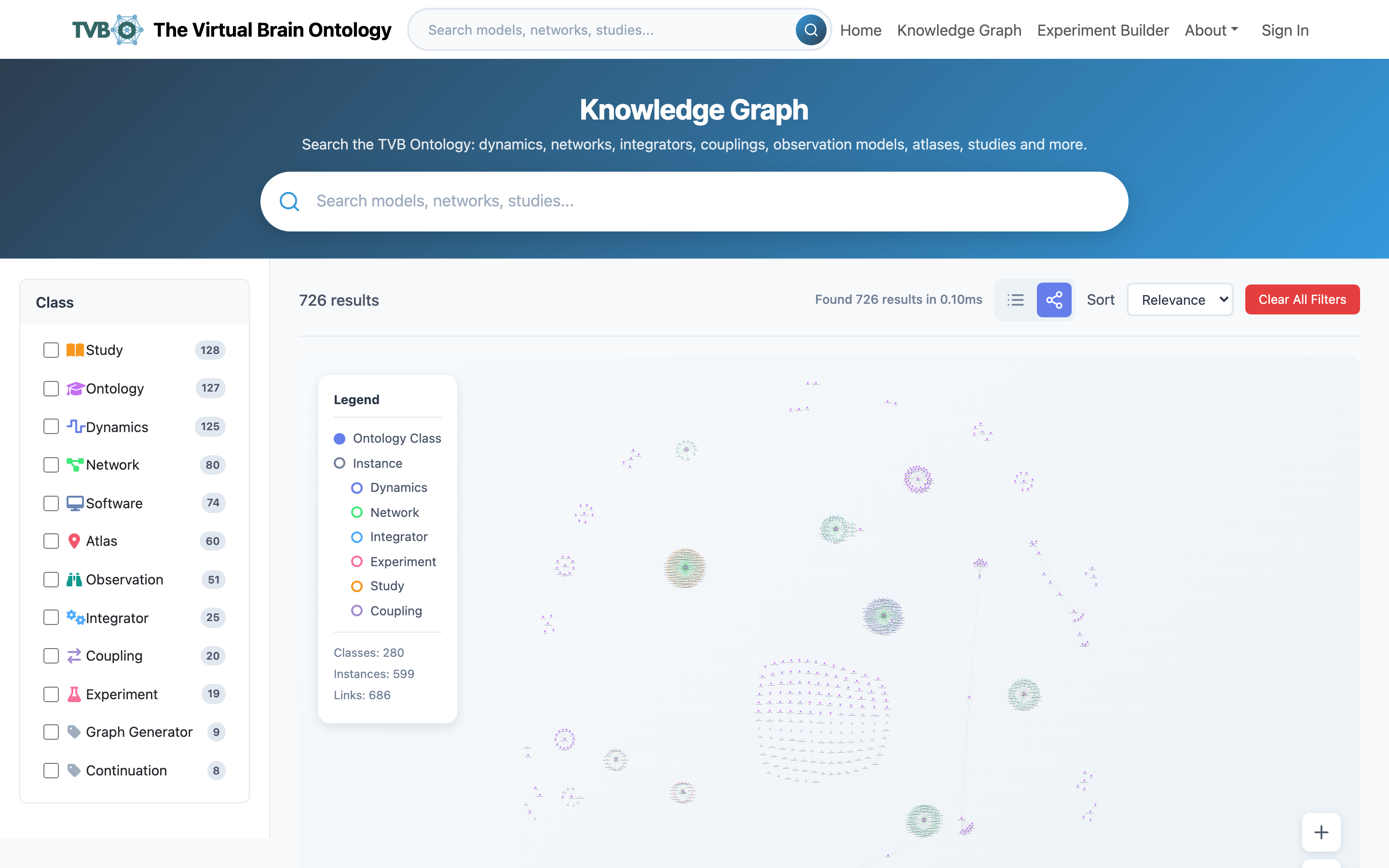
Click the graph icon in the view toggle (top-right) to switch; your search and Class filters carry over. Drag the background to pan, scroll to zoom, and drag a node to reposition it. Click a node to open the same detail view as the list, including the action to send it to the Experiment Builder.