Build an experiment
The builder is a row of tabs, one per part of the experiment. Fill them in any order. It keeps a single working spec and validates it live in the YAML Specification panel on the right. There are three ways to start, and you can mix them.
Watch: build an experiment
Start from an example
Open the load control and pick an example. Every tab is prefilled. Export as is, or adjust first. An untouched example exports identical to the curated original.
Build it yourself, tab by tab
The tabs (1) run across the parts of the experiment. Download (2) and Copy Python (3) are covered in Export & run.
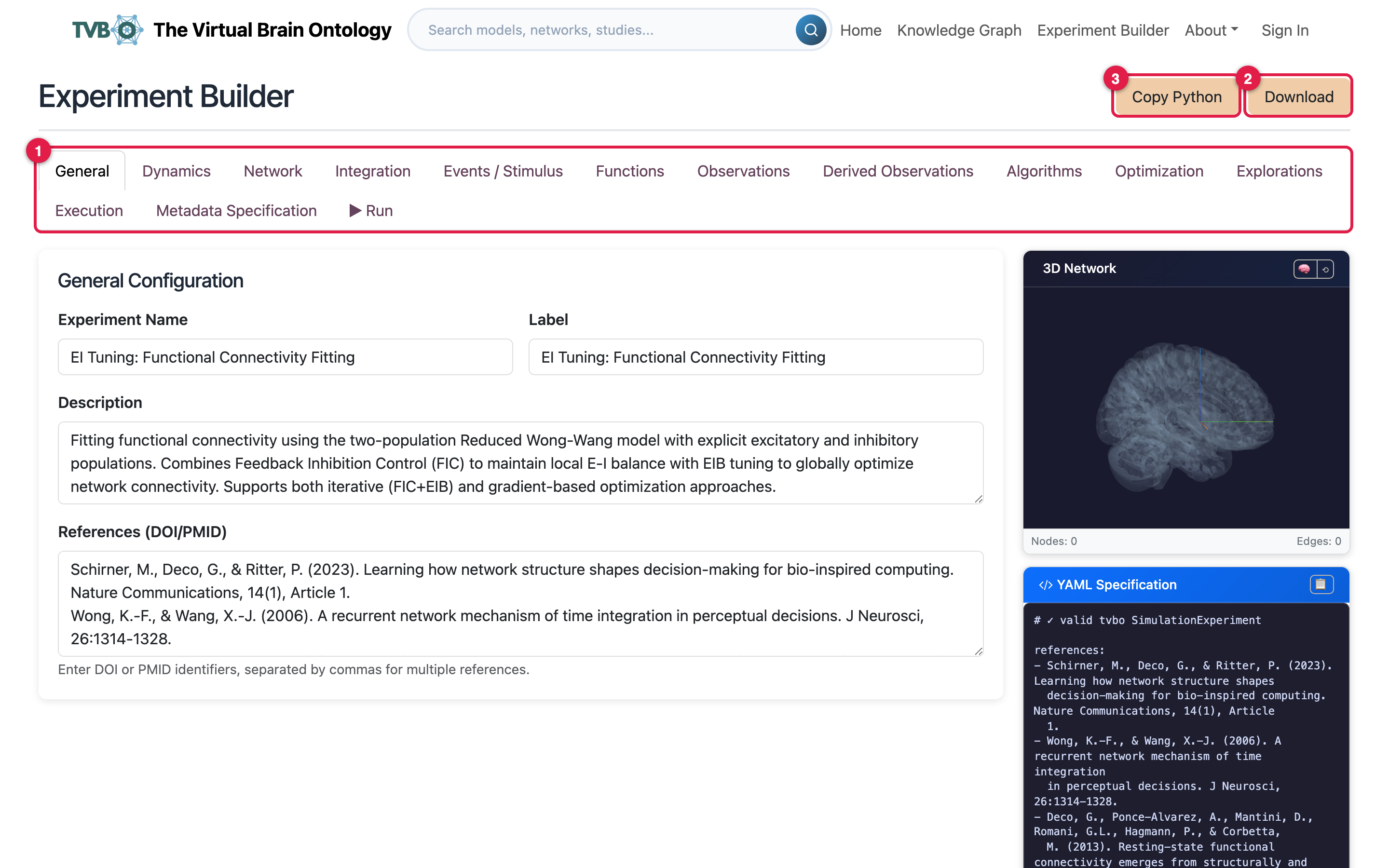
General holds the name, label, and description.
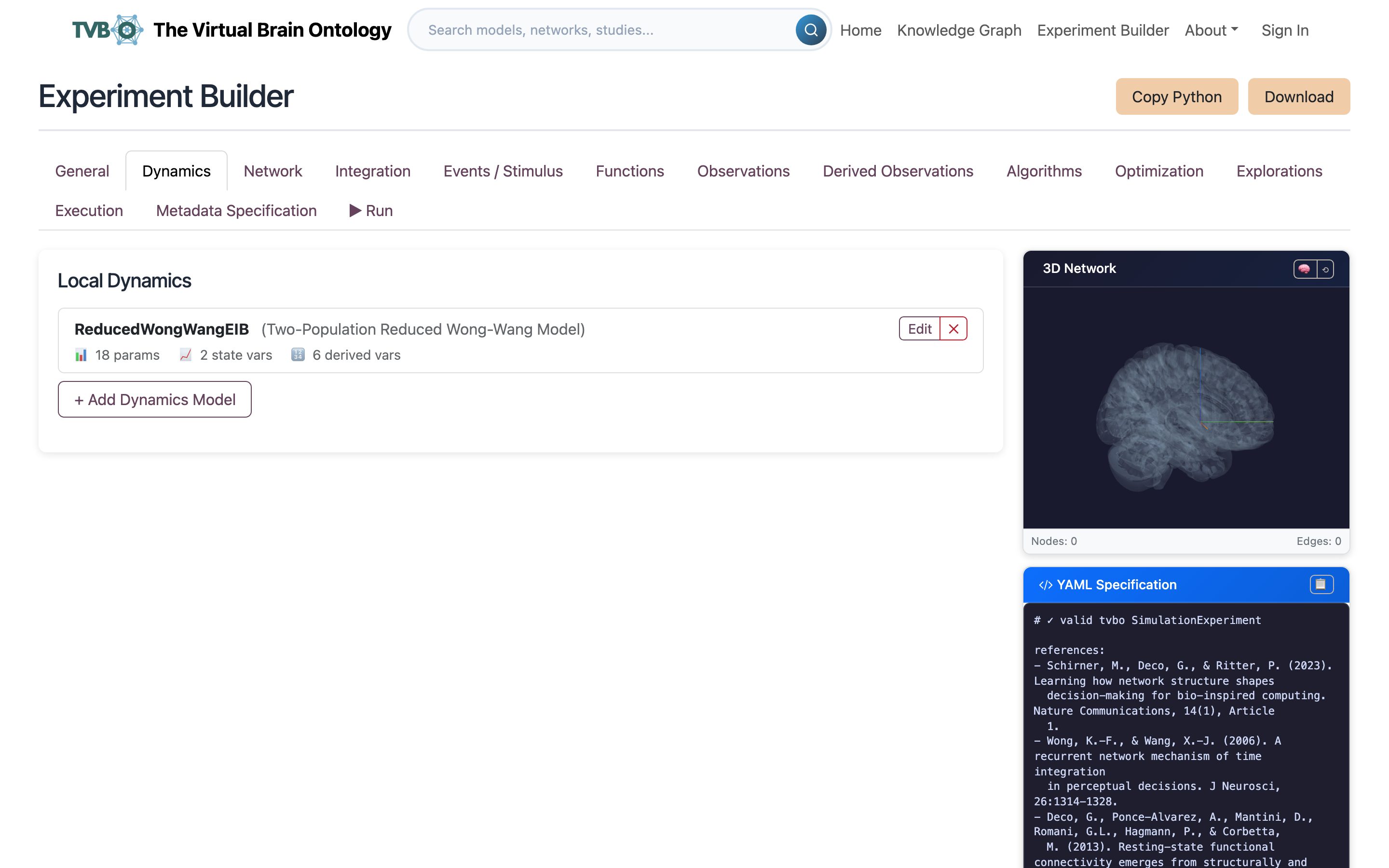
Dynamics: click Add Dynamics Model and pick the local model. Open the editor to adjust state variables, parameters, and observables. Edited models are tagged so your changes survive export.
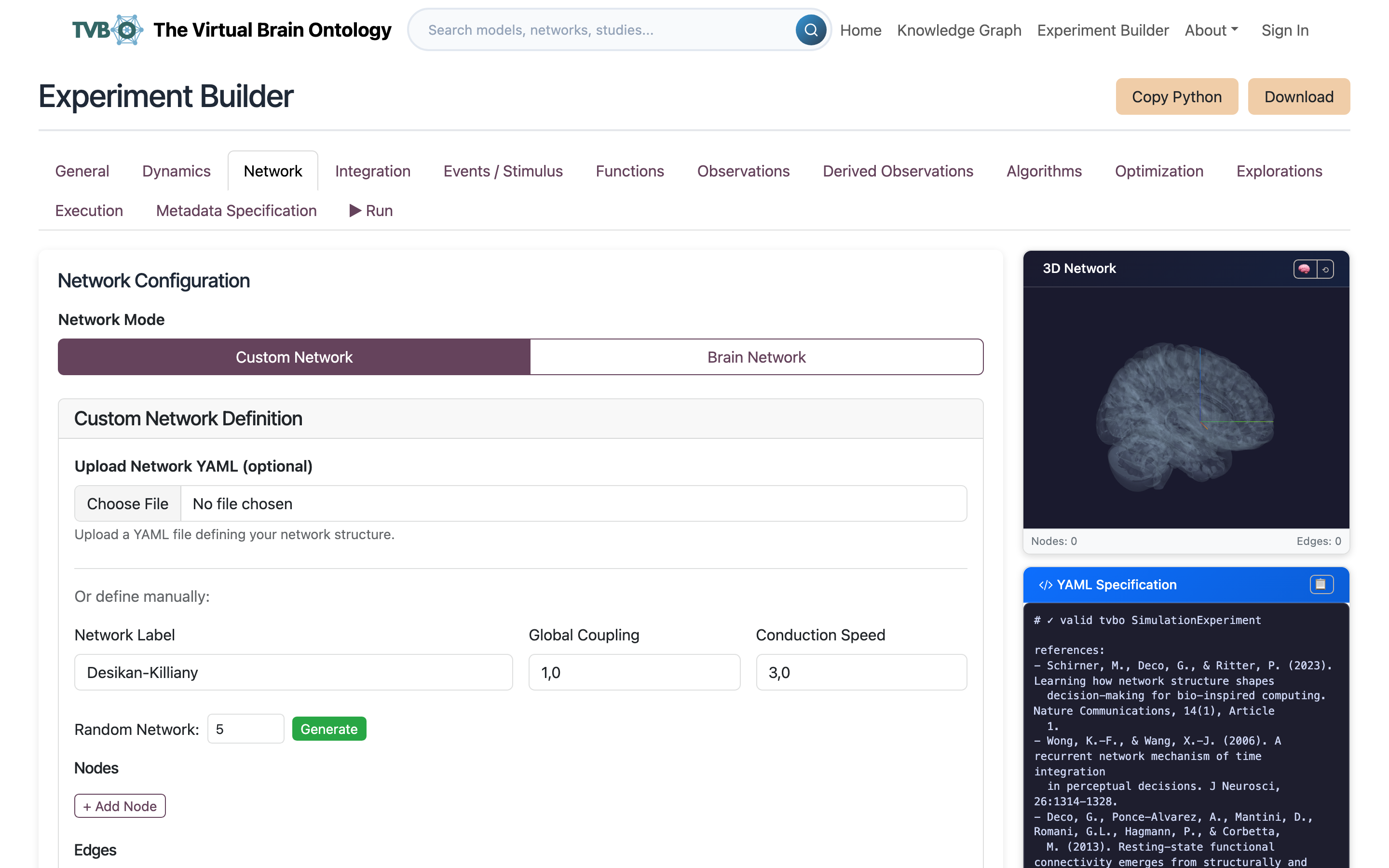
Network: choose a connectome or a graph generator, then set the Global Coupling function. The node count comes from the network; set it by hand only for a purely artificial one.
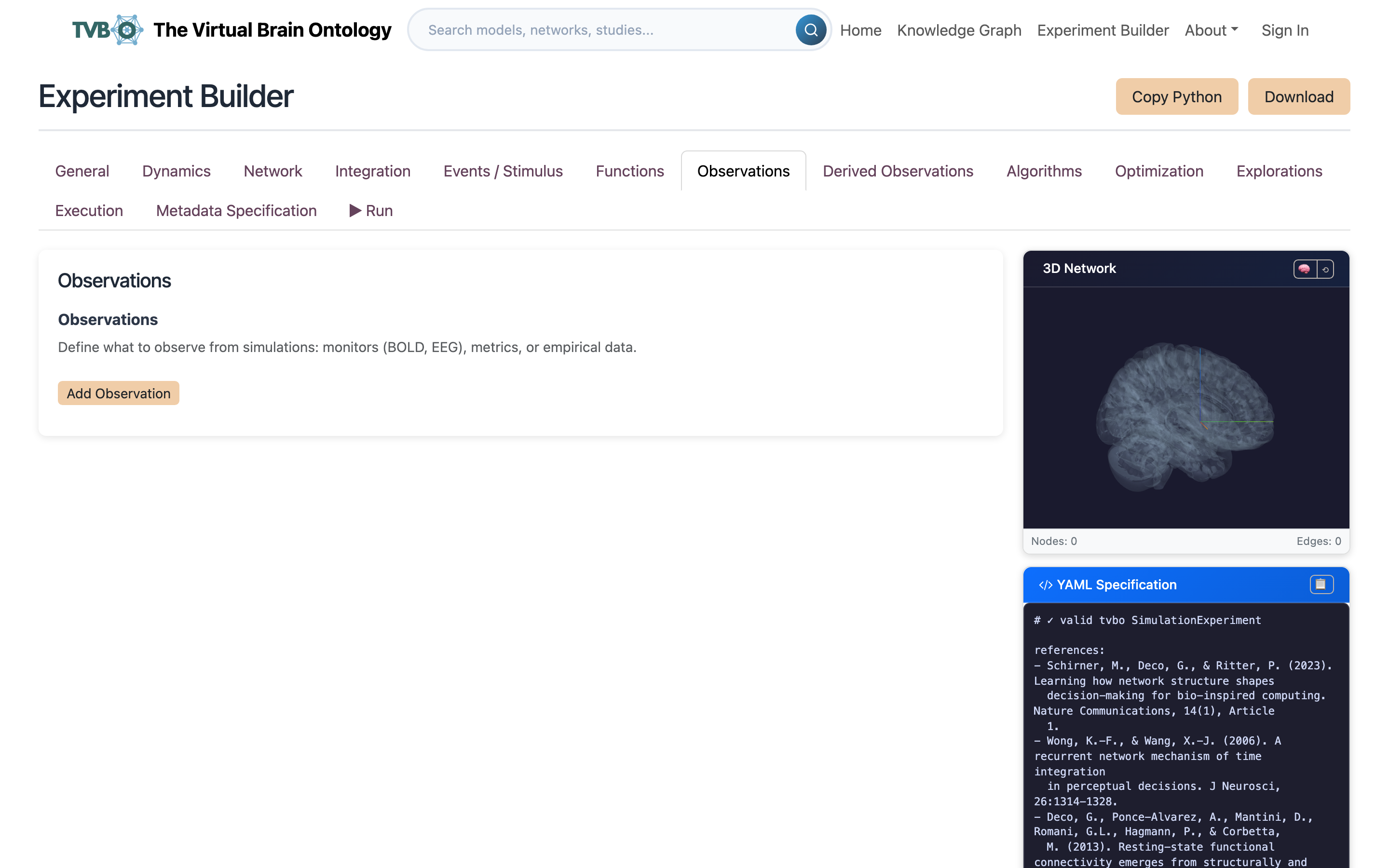
Integration sets the scheme and step size. Observations takes one or more observation models, each with a source, period, and class reference. The Run tab runs the finished experiment on the platform (Export & run).
Bring a component from the Knowledge Graph
From a KG detail card, send the entity to the builder. It lands in your workspace to refine. Add more the same way, or fill the remaining tabs by hand.
Continue with Export & run.